

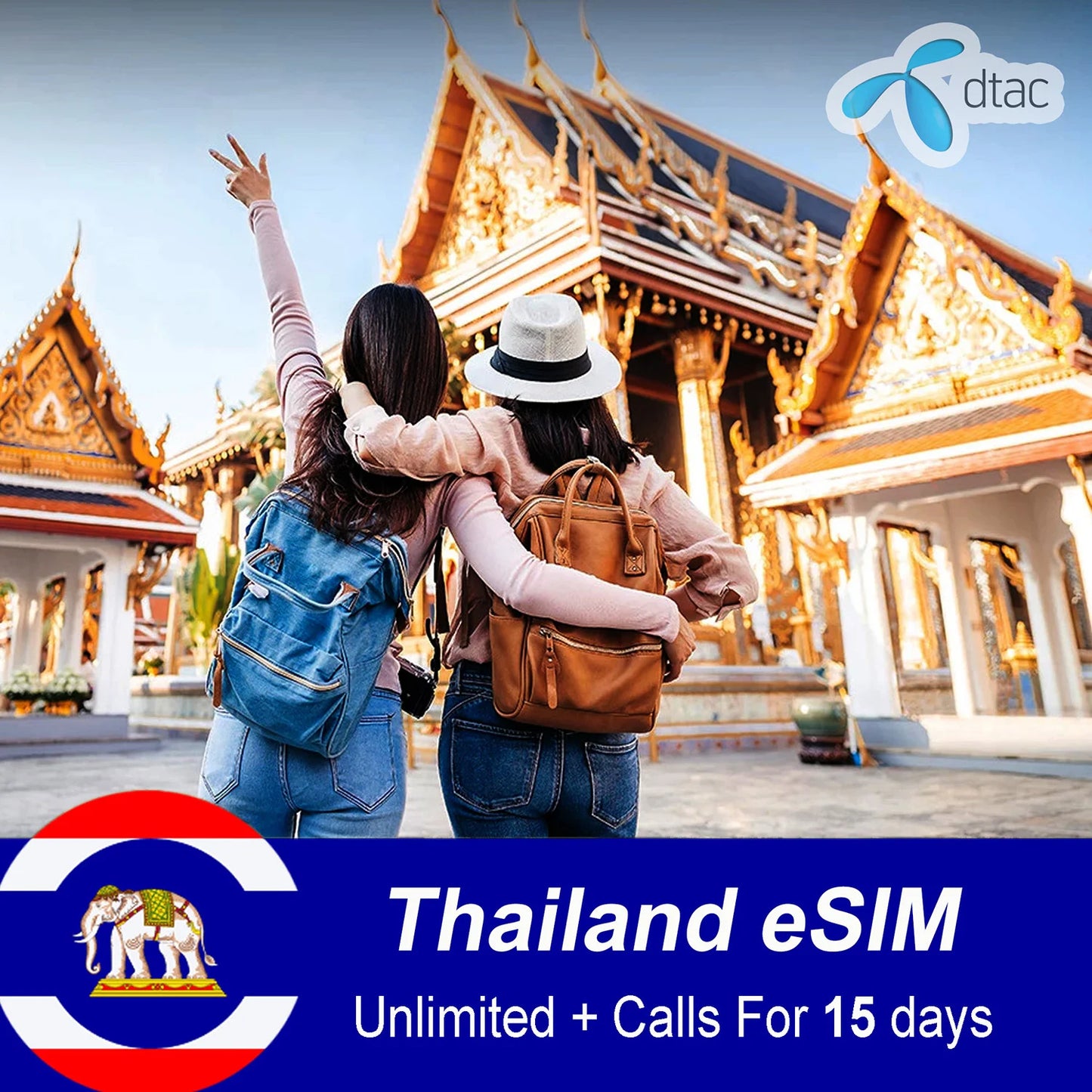
Thailand eSIM Unlimited Data For 15 Days
Thailand eSIM Unlimited Data For 15 Days
 Important notes:
DTAC eSIM plans can only be installed in Thailand. Installing in non-covered regions may result in the plan being deactivated and becoming unusable.


Coverage: Thailand

Network operator: DTAC

eSIM Number: Dtac phone number (Support incoming calls & SMS Only)

Payment method: accept payments through PayPal, Visa, Credit Card
Attention: Please make sure your phone is compatible with eSIM before purchase. Refunds are subject to a $5.00 fee as specified in the refund policy
Couldn't load pickup availability
SKU:

Thailand eSIM Unlimited Data For 15 Days


| VALIDITY | 15 days from activation |
| DATA PLAN | Unlimited 5G at max speed + Support incoming calls & SMS Only |
| Data usage | *101*1*9# |
| To check eSIM Number | *102*9# |
| To check Your eSIM Balance | *101*9# |
Instructions before you go
No need to look around for a data plan for your 15 day trip to Thailand, which allows you to:
- Enjoy Unlimited 5G at max speed - no data cap
- Get Internet in Thailand in minutes
- Keep your primary SIM on your phone for receiving important SMS and calls abroad
- Set up and activate easily without passport show-off for registration or subscription.
- Avoid roaming or searching for public WiFi networks
- Support incoming calls & SMS Only
DTAC eSIM Plans
This Thailand eSIM data plan is your best choice.
It is covered by DTAC network – which is one of the 2 biggest mobile operator in Thailand.
You can see its coverage map here.

Wondering whether this eSIM works for your phone or not?
Our eSIM is compatible with most modern smartphones and devices that support eSIM technology. To check if your device is compatible, please visit our compatibility page or contact our support team.
The eSIM provides reliable coverage across major cities and tourist destinations in Thailand. You'll enjoy fast 4G/5G speeds in urban areas and stable connectivity in most rural regions.
Installation is quick and easy. Simply scan the QR code we send you, and you'll be connected within minutes. You can buy the eSIM before departure or even when you are in Thailand. No need to visit a store or wait for a physical SIM card to arrive.
If you have any questions about coverage, compatibility, or installation, our customer support team is available 24/7 to help you get connected.
Strengths of eSIM

Easy to use
100% online. Receive eSIM via email. Scan a QR code to install. Activate eSIM when you land and get connected instantly.

Free roaming
Save 100% on data roaming charges and comfortably make calls and texts via WhatsApp, Telegram, Facetime, etc.

Whole Thailand coverage
Work in all destinations in Thailand. Stay connected anytime, anywhere.

Instant delivery
eSIM profile details delivered via email. No waiting for shipping, no removal, no risk of loss.

24/7 support
Answer questions and provide 24/7 technical support via chat or email.

Keep original SIM
eSIM is digital, so it‘s no need to remove your original sim cards, but still receive calls, SMS if any.
Receive eSIM information by e-mail
After your purchase, you will receive an email containing all the necessary information to activate your eSIM.
- A QR code
- User's Guide
Notes:
Please ensure your device is eSIM compatible before purchasing.
The eSIM will be activated once you scan the QR code and follow the instructions provided.
For any questions or support, please contact our customer service team.

How to Install & Activate eSIM
Follow these simple steps to install your eSIM on your device
Method 1: Scan QR Code
Get a QR code from your carrier (via email or print). Connect to Wi-Fi.

On your iPhone, go to Settings > Cellular/Mobile Data > Add eSIM.

Tap Use a QR Code (or scan from Photos if running a recent iOS) and scan the code.

Tap Continue to activate.

Method 2: Manual Installation
After tapping Add eSIM, select Enter Details Manually at the bottom.

Input the SM-DP+ address and activation code provided by your carrier.

After Installation
- Rename: Tap the new plan in Settings > Cellular and give it a custom label (e.g., "Travel eSIM").
- Set as Default: In Cellular settings, choose your new eSIM for Default Voice Line and Cellular Data (if needed).
- Enable Roaming: If it's a travel eSIM, turn on Data Roaming in the eSIM's settings.
Step-by-Step eSIM Installation
Connect to Wi-Fi: Ensure your phone is connected to a stable Wi-Fi network for the download.

Open Settings: Find and tap the Settings app on your phone.

Go to Connections: Tap on Connections, then select SIM card manager.

Add eSIM: Tap Add mobile plan or Add eSIM.

Choose Method:
• Scan QR Code: Select "Scan QR code from service provider" and use your camera to scan the code from your carrier (on another device or print).
• Enter Code Manually: If no QR code, select "Enter activation code" and type in the details provided by your carrier (like SM-DP+ address).

Confirm & Activate: Follow prompts to confirm the plan, tap OK, and wait for the eSIM to download and activate.

Set as Primary (Optional): In SIM manager, tap the new eSIM and set it as your preferred choice for Mobile data.

Installation Steps
Open Settings: Tap the Settings app on your Pixel.

Navigate to SIMs: Go to Network & Internet > SIMs > Add more.

Download eSIM: Tap Download a SIM instead? at the bottom.

Choose Method: Select Next, then either scan the QR code or tap Need help? to enter details manually.

Activate: Follow the on-screen prompts to complete activation.
